Stint Planner
Assign drivers and prepare times, tyres and stops. Manual planning works without training data.
See the planning workflow → GRIDUNION
Start with what you need today. Team planning works on the website; supported live data and recordings come from the Windows app.
Choose your Relatives and Standings columns, increase their text size and arrange your overlays. Easy Mode keeps the starting choices small; Advanced Mode gives you more control.
For triples and streaming, place separate copies in your OBS layout without moving your driving overlays.
See overlays & download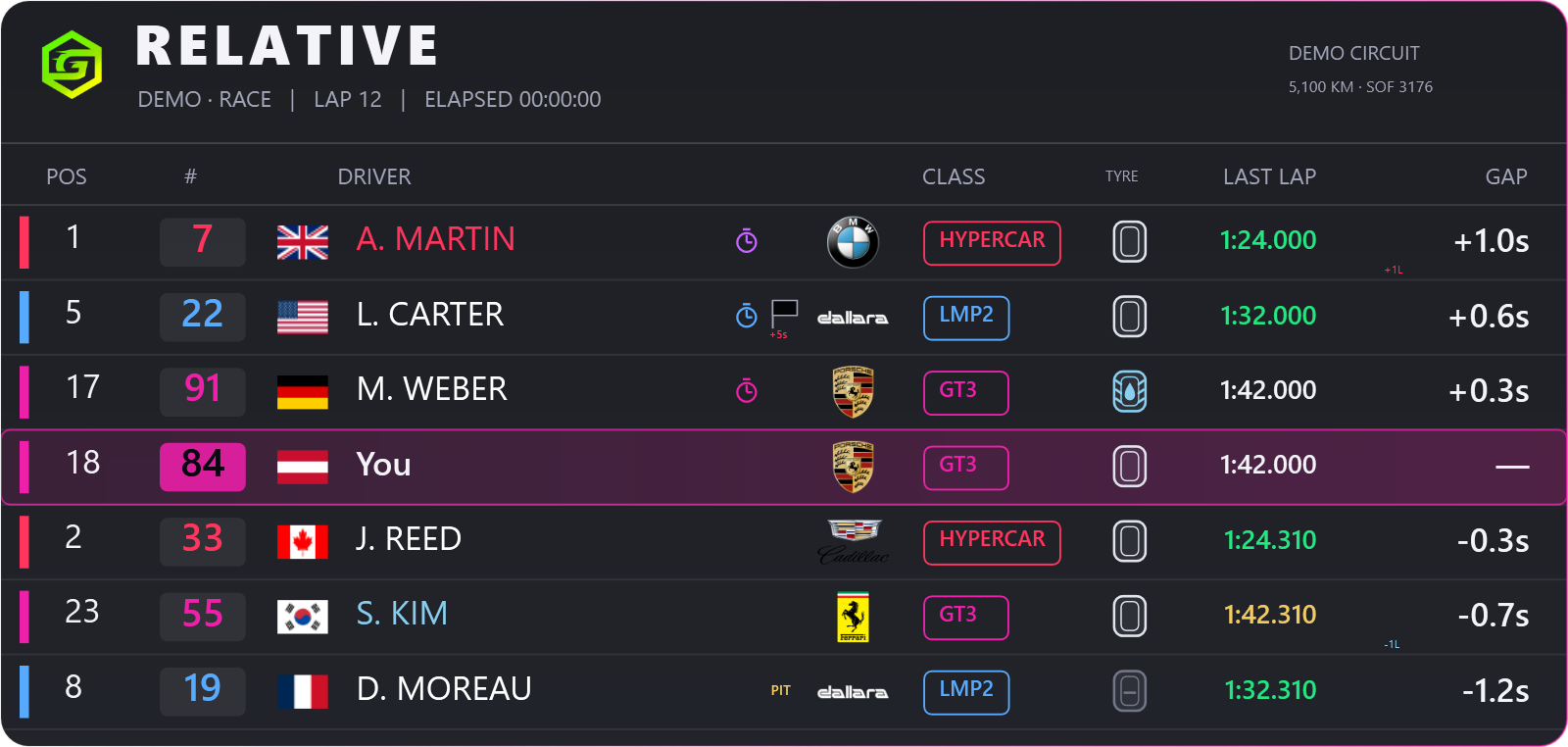
Enable recording in the app under Settings → Leaderboards & Lap Comparison, then drive an iRacing or LMU session. Completed supported laps upload while the app is running and connected. Open My sessions to review times, sectors, conditions and available traces.
A leaderboard time is not proof of identical conditions. Invalid and incomplete laps cannot claim records. Unverified LMU session provenance is labelled; it is never silently certified as official.
Use the website for entries, availability and stint planning. Open Race Day from your team event; use the app’s Pitwall for supported live information. Team permissions decide who can act.
Assign drivers and prepare times, tyres and stops. Manual planning works without training data.
See the planning workflow →Guided iRacing practice for a specific team event. Collect fuel, pace and pit evidence automatically; check conditions yourself.
Requirements & training steps →Keep the active team plan and available live data close. Simulator coverage differs; stale or missing values are not live evidence.
Check simulator support →Connect the bot to your team server, collect race-card responses and configure reminders. Managers choose channels and optional automation in Team Settings; drivers control their personal notifications.
/sessions privately lists your five latest recordings. Team summaries and record alerts are optional and off by default. A summary is sent after five minutes without another uploaded lap and updated if activity resumes; that pause is not proof that the session has ended.